Building Clodynix: A Developer-Friendly CDN Platform and SDK
A CrysoLabs engineering case study on Clodynix, a TypeScript CDN SDK paired with a Next.js dashboard, auth system, application tokens, documentation, and CDN file workflows.

Developer tools succeed when two layers work together: the API needs to be useful, and the onboarding experience needs to make that API feel obvious. Clodynix brings those two sides into one product idea: a TypeScript CDN SDK for file operations and a dashboard/documentation client for developers managing their applications.
CrysoLabs investigated the paired codebases as a platform: the published SDK package in one project, and the Next.js client/dashboard in the other. The result is a strong foundation for a developer-facing content delivery product with authentication, application tokens, documentation, and CDN file workflows.
The Product Shape
Clodynix is positioned as a developer-friendly CDN layer. The package exposes file upload, registration, deletion, file information, and link generation methods. The client app adds the product surface around that SDK: a landing page, docs shell, account authentication, application records, API credential display, and a dashboard area for usage and plan concepts.
That combination matters because an SDK alone is not enough for a developer platform. Teams need to create applications, manage credentials, copy API keys, read examples, and understand usage limits. The Clodynix client is built to provide that operational context.

The SDK Layer
The npm package is small and focused. It builds with tsup into CommonJS, ESM, and TypeScript declaration outputs, which makes it easier to consume from different JavaScript environments.
The main Clodynix class wraps CDN API calls through axios and centralizes authentication headers from three constructor values: API key, origin, and secret. Its methods cover the core lifecycle:
- Check file information by file id or token.
- Register a file using an upload token.
- Upload by remote link.
- Create an upload token for chunked uploads.
- Delete a file.
- Generate a single access link.
- Generate access links in batch.
- Upload a file directly with FormData.
That API surface is practical because developers usually need both creation and delivery paths. Uploading a file is only half the workflow; the consuming application also needs stable links and metadata.
A Public Developer Experience
The client app presents Clodynix as a developer product rather than an invisible backend. The landing page communicates the install command, TypeScript support, dashboard value, and high-level CDN positioning.

The docs area is implemented as a navigable documentation shell with sidebar sections and a content area. Some of the page copy is still generic, so the current article treats it as a documentation foundation rather than a completed reference. The stronger source of truth today is the SDK README and the TypeScript methods in the package.

Authentication And Account Security
The dashboard app uses NextAuth with a custom Prisma adapter and MongoDB-backed sessions. The implementation stores sessions, login attempts, account records, verification tokens, password reset tokens, two-factor tokens, and optional two-factor confirmations.
The session creation flow also records IP/location context through a login-attempt model. That is a useful operational signal for a developer dashboard where account access protects API credentials.

The auth UI supports email/password login and social sign-in options. Registration, email verification, password reset, and new-password flows are present in the route tree and action structure.

Application Tokens And Dashboard Workflows
The database model includes a User with a unique user secret and many Applications. Each Application has a name, description, owner, created/updated timestamps, and a unique token. Creating an application calls the CDN backend to create a user token, then stores that token with the application.
That design gives each application a separate credential boundary instead of forcing all usage through one global key. The application detail page is built around copying and viewing API credentials, with tabs for overview, usage, settings, and documentation.
CDN Operations In The Client App
The client app also contains server-side CDN helper functions that mirror the SDK operations. They call endpoints for file info, register file, upload by link, create upload tokens, delete file, generate links, direct upload, user usage, and user-token creation.
This is a useful pattern for a dashboard because it keeps sensitive CDN origin and app-secret values on the server. The browser should not need direct access to platform-level credentials just to manage files or application tokens.
What The Data Model Enables
The Prisma schema shows the product direction clearly:
- Users have account records, sessions, login attempts, images, and a unique user secret.
- Applications belong to users and hold per-application API tokens.
- User images can store CDN ids, verification status, privacy flags, file names, extensions, and sizes.
- Auth models support verification, password reset, OTP, two-factor, and session tracking.
That model gives Clodynix a path from simple package usage toward a complete developer console: applications, credentials, file metadata, account security, and usage reporting.
Mobile And Responsive Foundation
The public landing page is responsive and keeps the install command and core positioning accessible on mobile. For a developer tool, this is less about completing complex workflows on a phone and more about making the product credible and readable wherever someone discovers it.

Honest Engineering Notes
Clodynix is best described as a strong platform foundation, not a fully finished CDN console. Several important pieces are present and wired, while others are still early-stage:
- The SDK builds successfully and exposes real CDN methods.
- The public landing and about pages render cleanly.
- Docs routes render after Prisma Client generation, but some docs copy is placeholder-style.
- Dashboard usage and plan cards exist, but usage values are currently static in the UI.
- Auth and dashboard routes require Prisma generation and environment configuration before local preview.
- The client dependency install reported security/deprecation warnings, including an outdated Next.js version warning.
Calling this out matters. A good case study should market the engineering while staying precise about what the code proves.
Why This Is A Strong CrysoLabs Portfolio Piece
Clodynix shows CrysoLabs thinking beyond a single website. It combines an SDK, a dashboard, auth infrastructure, application credentials, documentation, and CDN file operations into one developer-product direction.
For a founder or technical team, the value is clear: developers get a package they can install, while the business gets a path toward account management, application-level tokens, and usage visibility. That is how a utility becomes a platform.
Final Thought
Developer tools need more than working endpoints. They need a product experience that makes those endpoints easy to adopt, manage, and trust. Clodynix is a foundation for that kind of platform: a typed CDN SDK paired with a dashboard and documentation experience.
Need a developer platform, SDK, or internal API console built around real workflows? CrysoLabs designs and develops software products that make technical systems easier to adopt and operate.
For projects like these, contact CrysoLabs: Contact us, visit crysolabs.com, email [email protected], or message us directly on WhatsApp.
The CrysoLabs editorial desk - shipping notes from the build floor.
Keep reading
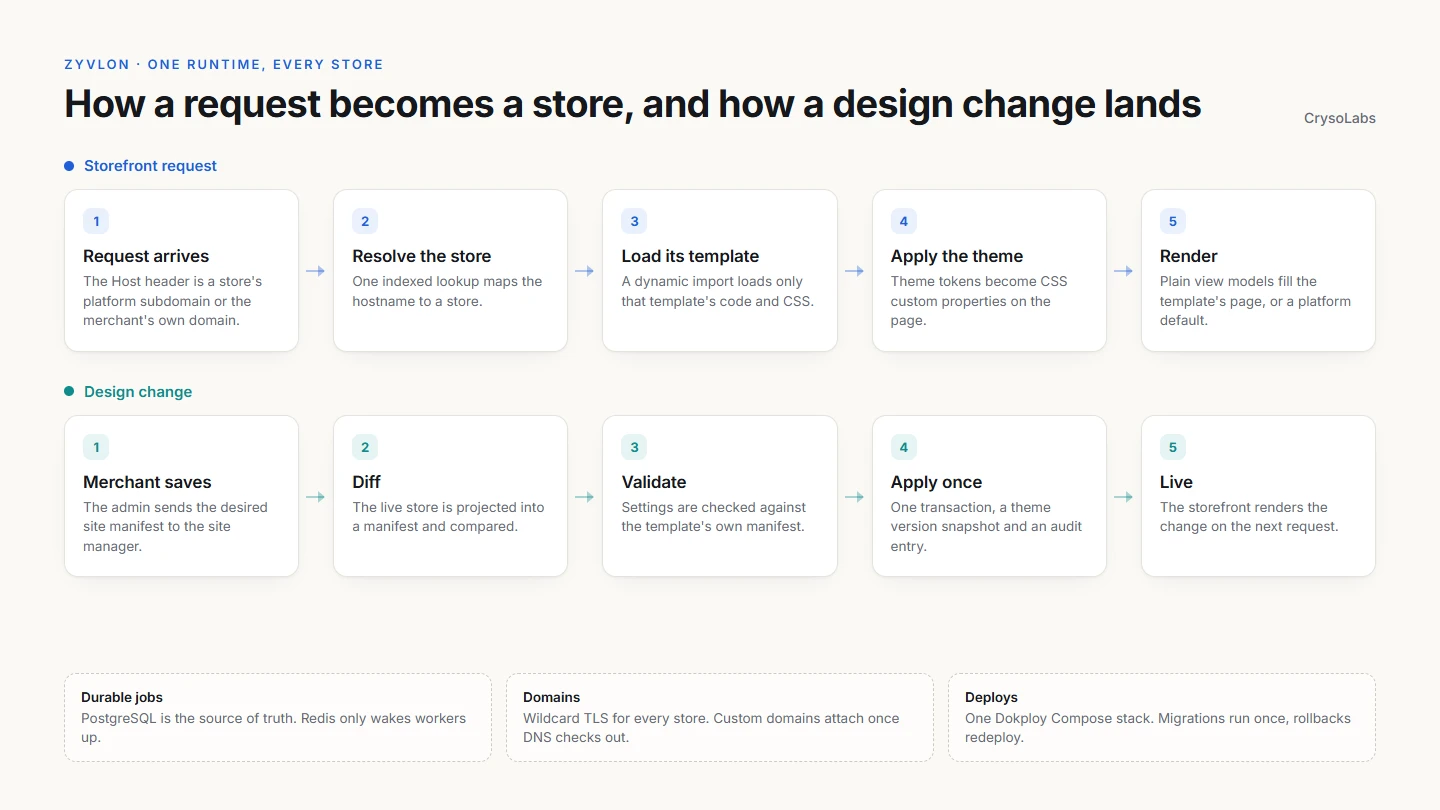
One runtime, every store: rebuilding Zyvlon as a multi-tenant commerce engine
Zyvlon's next generation serves every merchant from one storefront runtime. Stores are resolved by hostname, rendered by the template they chose, changed through declarative manifests, and deployed on Dokploy with wildcard domains, a durable job queue and a zero-reset migration from MongoDB.
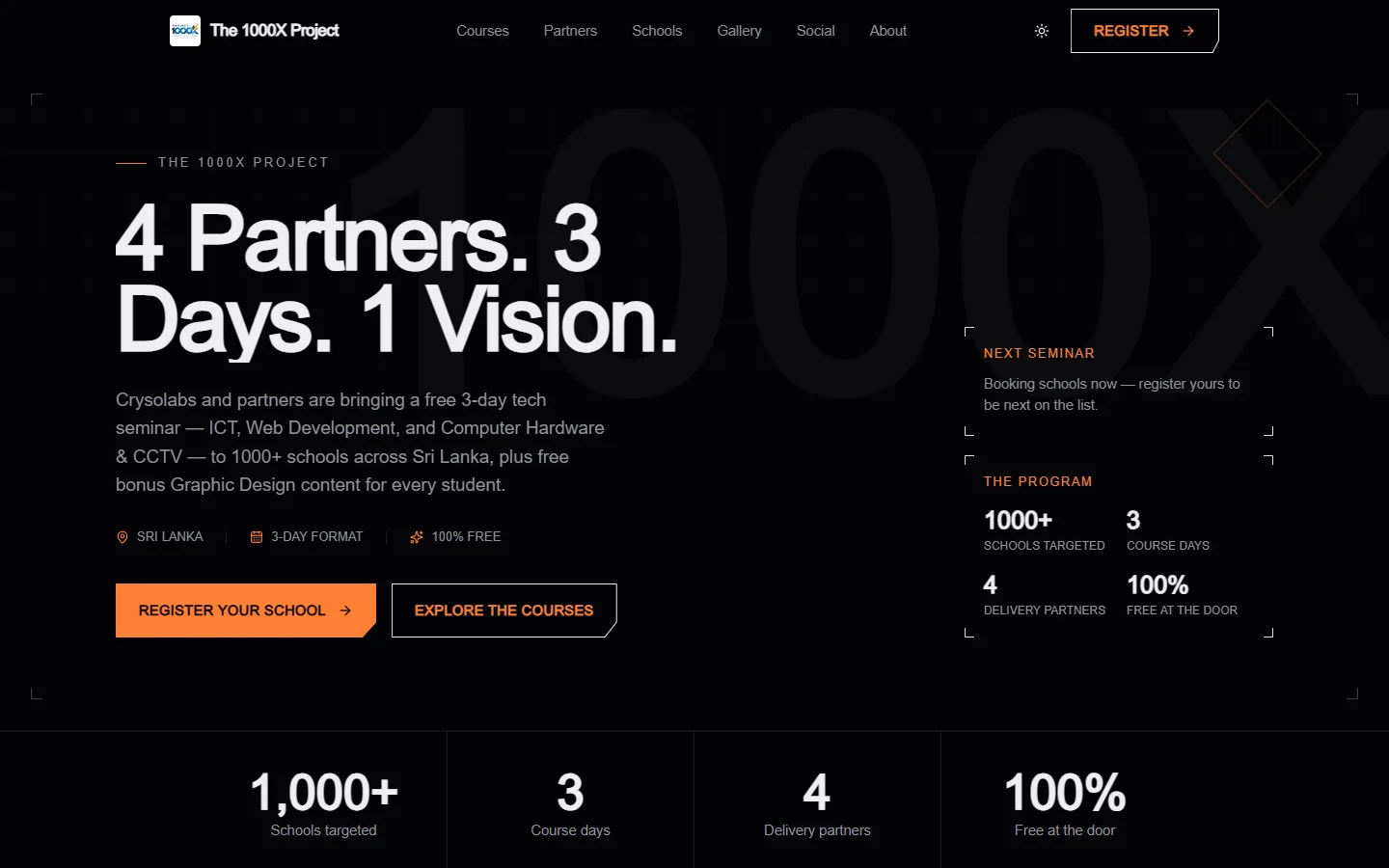
How we built The 1000X Project platform: one site for 1000+ schools
The 1000X Project takes a free tech seminar to more than 1000 schools across Sri Lanka. Here is how we built its platform: a public site, a school and student operations panel, a gallery and finance system, and a full LMS with exams, payments and verifiable certificates.