How we built The 1000X Project platform: one site for 1000+ schools
The 1000X Project takes a free tech seminar to more than 1000 schools across Sri Lanka. Here is how we built its platform: a public site, a school and student operations panel, a gallery and finance system, and a full LMS with exams, payments and verifiable certificates.
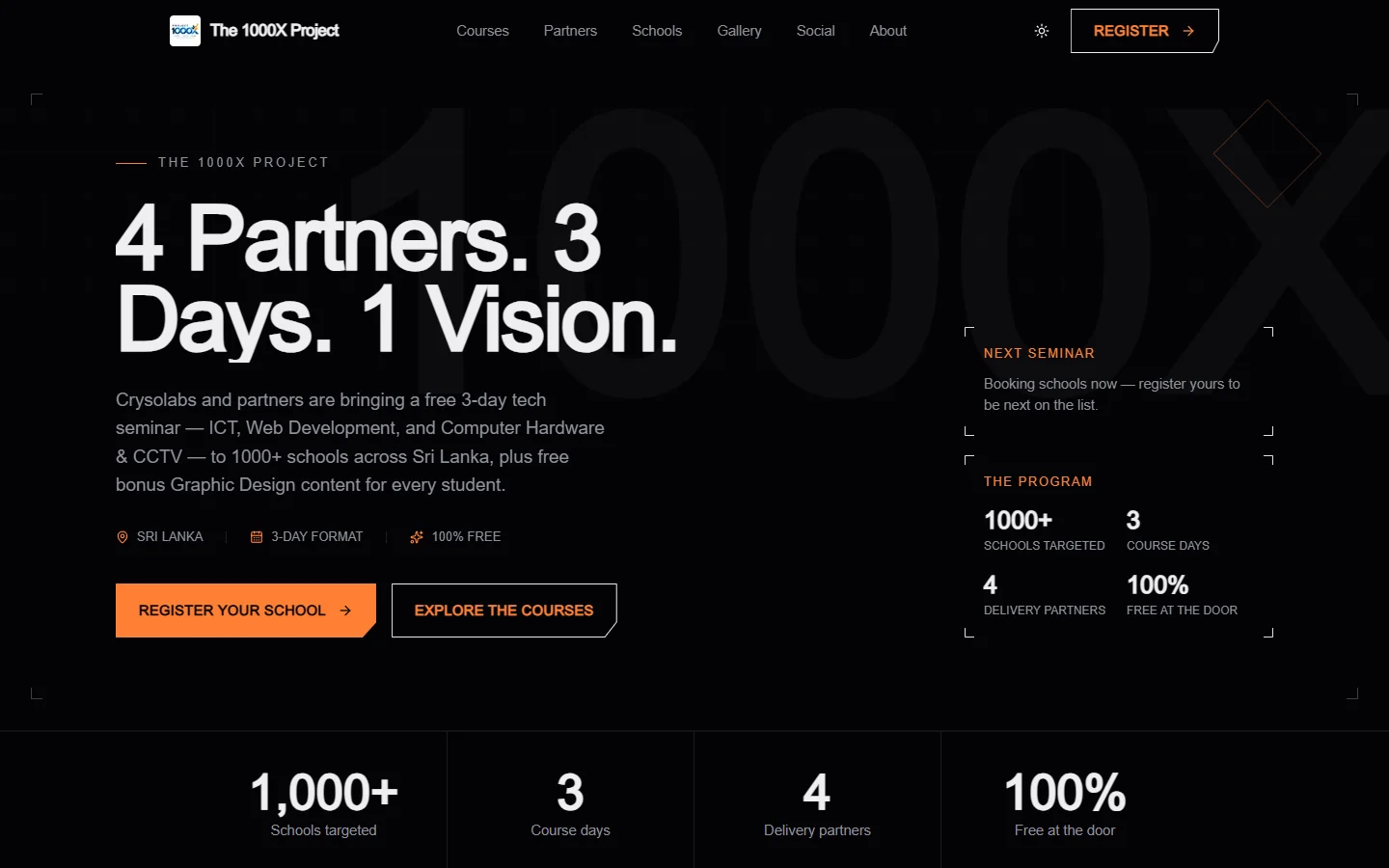
A seminar that needed a system
The 1000X Project is a simple idea at a very large scale: take a free, hands-on technology seminar to more than 1000 schools across Sri Lanka.
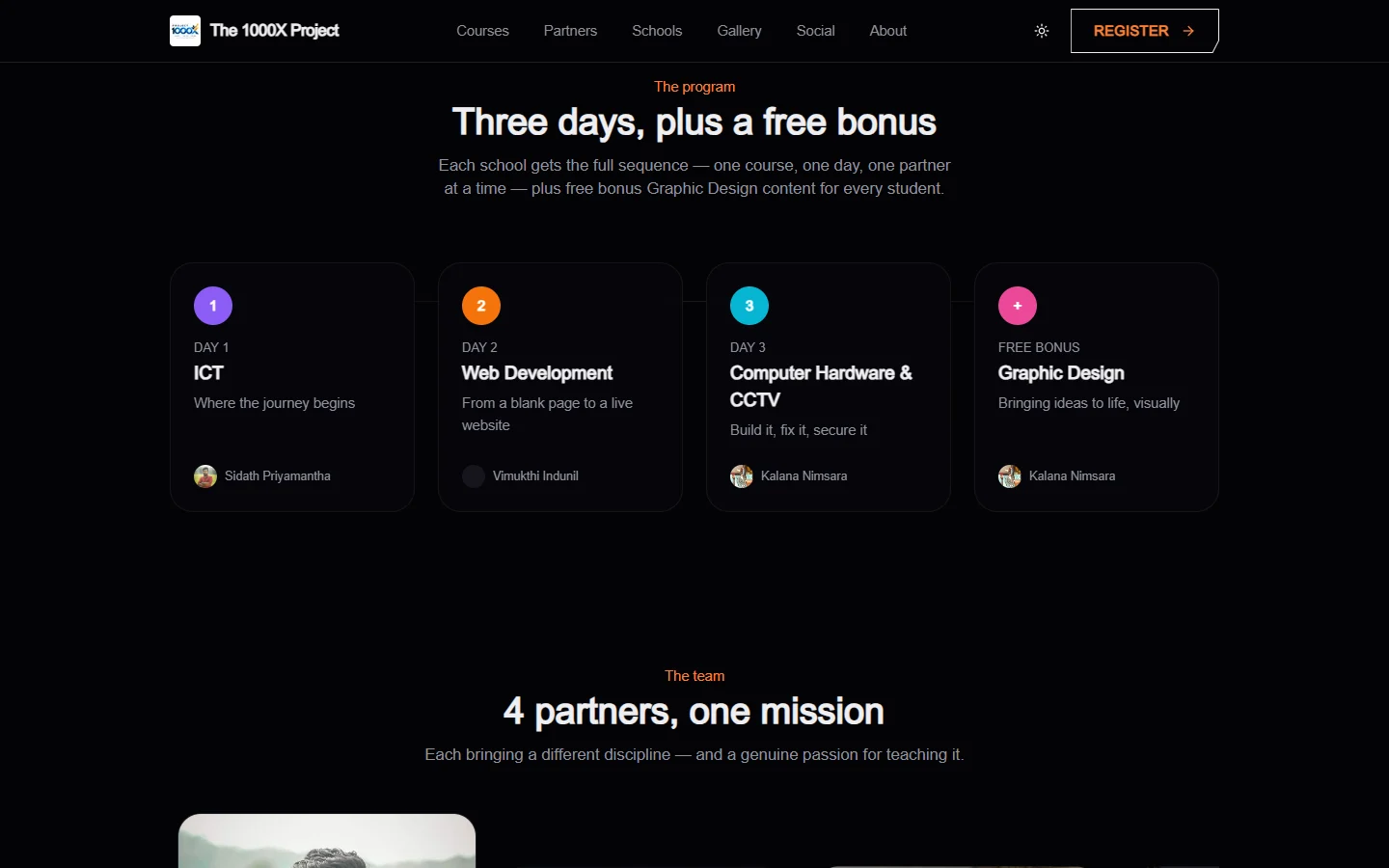
Every school gets the same sequence. One course per day, one partner per course, delivered back to back:
| Day | Course | Led by |
|---|---|---|
| 1 | ICT | Sidath Priyamantha, ICT teacher |
| 2 | Web Development | Vimukthi Indunil, CEO of CrysoLabs |
| 3 | Computer Hardware & CCTV | Kalana Nimsara (Yazura Solutions) and Sajana Sajes (Falcon Fix) |
| Bonus | Graphic Design | Kalana Nimsara |
The original theme was 4 partners, 4 courses, 1 vision. As the program matured it became 4 partners, 3 days, 1 vision: three core seminar days, with Graphic Design moved to a free bonus track.
A program like this breaks a spreadsheet quickly. Hundreds of school visits, thousands of students, four partners, photos from every visit, sponsorship money coming in, travel costs going out. On top of that, the free seminars were always meant to grow into longer paid courses.
So the brief was never "make a landing page". It was to build the platform that runs the whole project.
The brief
The first request set a high bar. In short, the platform had to:
- present the project and each course on its own page, with its partners and full curriculum
- let students register from the landing page or a shared link, and let admins add them manually
- import students in bulk from CSV files
- keep a gallery for every school visited, plus the project's own meetings and events
- manage finances: income, expenses and running balances
- store the syllabus coursebooks and resources for every course
- be ready for the day the free seminars become paid courses, with payments to match
- make every piece of content editable from an admin panel
- look creative and original, not like a template
Two lines in that brief shaped everything else: "we need system to control everything manually" and "make everything super quality, plan every possibility".
We read that as: the admin panel is the product. The public site is the part everyone sees.
Plan first, then build
Before writing code, we mapped the whole domain: courses and their modules and lessons, partners, schools and visits, students and registrations, gallery albums, finance, media, settings and audit history.
That map became a single PostgreSQL schema. It is worth describing, because the rest of the platform is built on it:
- Program:
Partner,Course,Module,Lesson,CourseResource. A course can have several partners, which is how Day 3 carries two instructors. - Operations:
School,SchoolVisit,Student,RegistrationandImportBatch. Every registration records where it came from: the landing page, a shared link, an admin or a CSV import. - Money:
FinanceCategory,FinanceTransactionandPayment, all in LKR by default. A transaction can be linked to a school or a course, so a travel expense lands against the visit that caused it. - Content:
GalleryAlbum,GalleryImage,Testimonial,Faq,MediaandSiteSetting. - Accountability:
AuditLog, written by every sensitive action.
Two fields were added on day one even though nothing used them yet: futurePaid and price on every course. The free seminars were always going to become paid programs, and we wanted that change to be a setting, not a migration crisis.
The stack
We picked current, well-supported tools and kept the architecture boring on purpose:
- Next.js 16 (App Router, Turbopack, TypeScript) for both the public site and the admin panel
- PostgreSQL with Prisma ORM 7
- Tailwind CSS v4 with a CSS-first theme, and shadcn/ui components on top of Radix
- Better Auth for email and password sign-in, extended with roles
- Cloudflare R2 for every file: photos, videos, coursebooks, receipts and certificates
- GSAP, Lenis and Framer Motion for motion on the public site
- TanStack Table v9, React Hook Form with Zod, Recharts and Papaparse in the admin
There is no separate API layer. Pages are Server Components that read from the database directly, and every write is a Server Action with Zod validation, a role check and an audit entry. For an admin-heavy app, that removes a whole category of glue code.
Designing the public site
The design brief was one sentence: be creative, not AI slop.
In practice that meant rejecting the default "gradient blob and rounded cards" look and giving the project its own visual language:
- A viewfinder frame. Thin corner brackets frame the hero and the key panels, like the corners of a camera viewfinder. The same bracket panels hold the "Next seminar" card and the program stats.
- Chamfered buttons. The main calls to action use cut corners instead of pills, so they feel engineered rather than generic.
- A giant wordmark. A huge, faint "1000X" sits behind the hero and moves on its own parallax layer. The grid background, the wordmark and a small accent shape each scroll at a different speed, which gives depth without heavy imagery.
- A kinetic headline. "4 Partners. 3 Days. 1 Vision." animates in word by word with GSAP SplitText, followed by a staggered fade of the supporting content.
- A four-day timeline. Each day has its own accent colour. On the Day 3 card, the instructor name cycles between Kalana and Sajana every few seconds with a soft slide and blur, so both partners get equal billing in the same space.
- A clip-path carousel for the featured partner and course sections, plus hover-to-explore course cards and a module showcase with custom cover art for every Web Development module, in both light and dark versions.
- Light and dark themes with a no-flash script, so the page never flickers into the wrong theme on load.
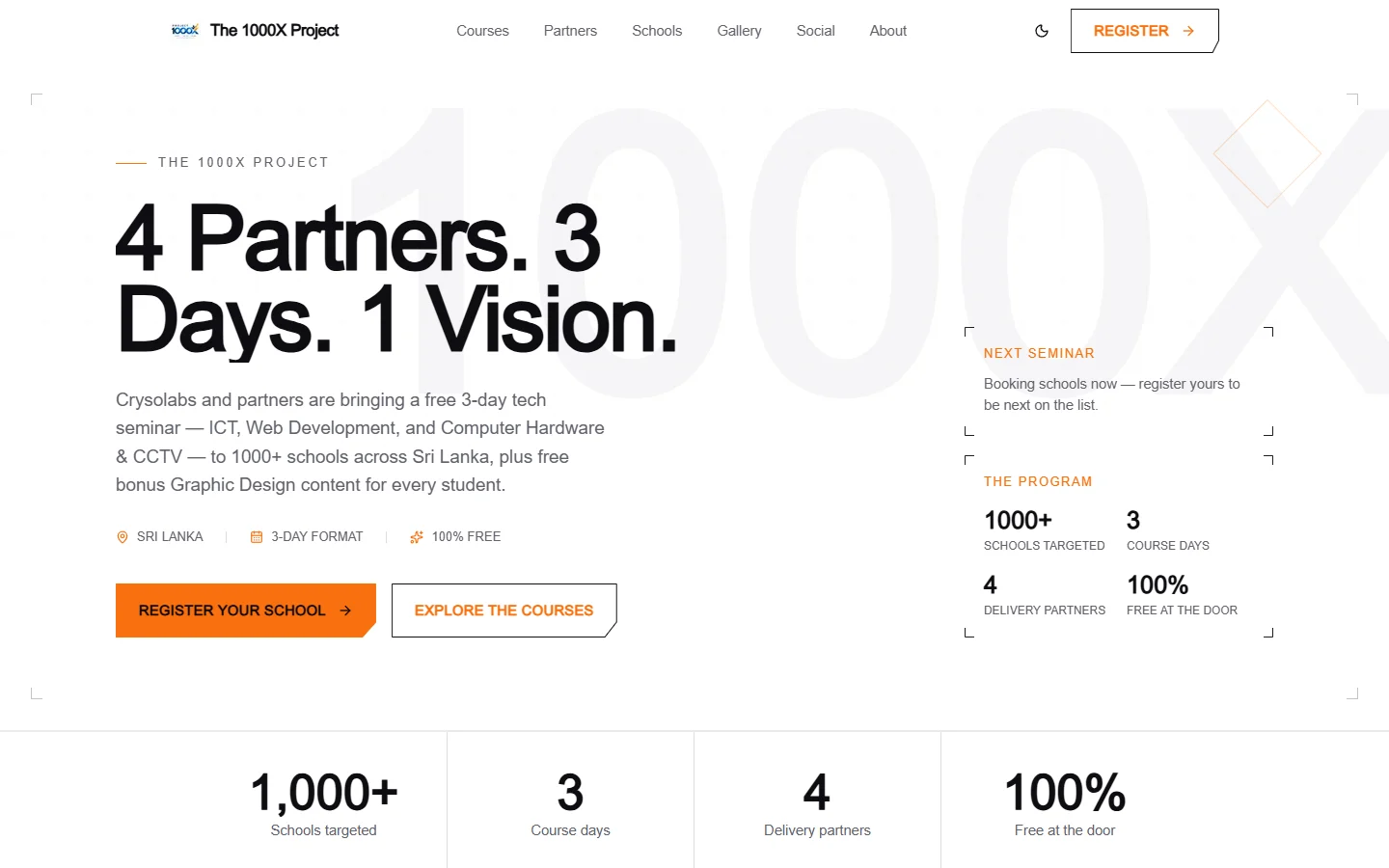
Motion respects the visitor. Smooth scrolling honours the reduced-motion setting, and the animations are layered on top of content that is already readable without them.
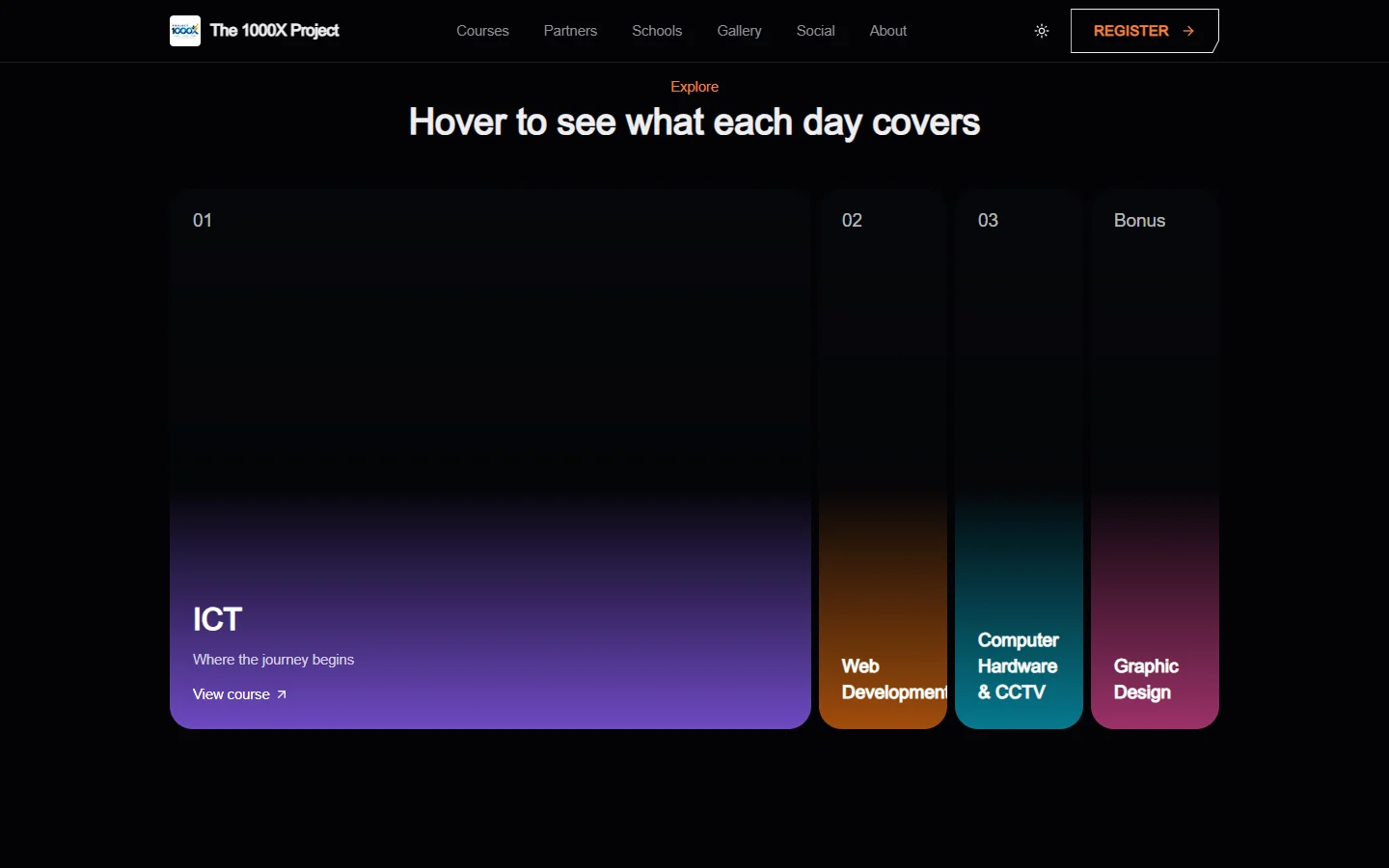
The public site includes a landing page, a courses index with a page for each course, partners, schools, a gallery with album pages, a social feed, registration with a confirmation page, about, contact, privacy, terms, and custom 404 and error pages. Every page is backed by a sitemap and robots rules.
Everything visitors read comes from the database. The hero copy, the stats, the FAQs, the testimonials and the course pages can all be edited from the admin panel without a deploy.
The admin panel is the real product
The admin panel is where the project actually runs. It is organised around the work the team does every week.
Courses and curriculum
Every course has its title, tagline, descriptions, accent colour, cover images, partners, price fields, FAQs and resources. Below that sits the curriculum builder: modules and lessons that can be added, renamed and reordered.
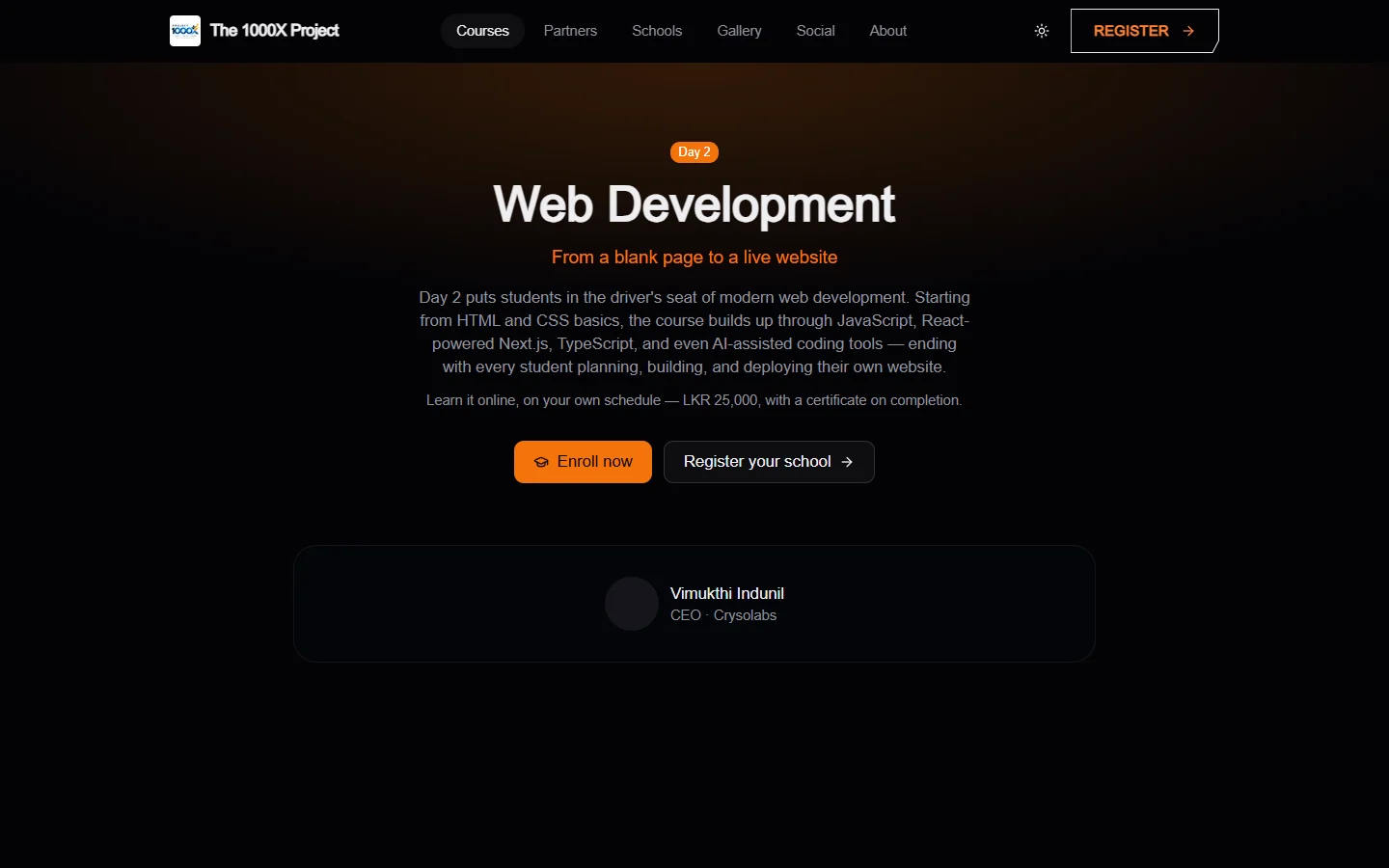
The real curricula were seeded from the start. Web Development has six modules and 32 lessons, from Introduction to Websites through JavaScript, Next.js, TypeScript and AI-assisted coding, to a final build-and-deploy project. Computer Hardware & CCTV has ten modules, from PC components and assembly through troubleshooting, upgrades and networking, to installing a working CCTV system.
Coursebooks and syllabus files upload straight to R2 against the course, and optionally against a single lesson, so the team always knows where the current version lives.
Schools and visits
Each school has its district, contact person and estimated student count. Each visit has a date range, a batch number and a status: upcoming, completed or cancelled. The next upcoming visit is shown automatically in the hero of the public site.
Students, registrations and CSV import
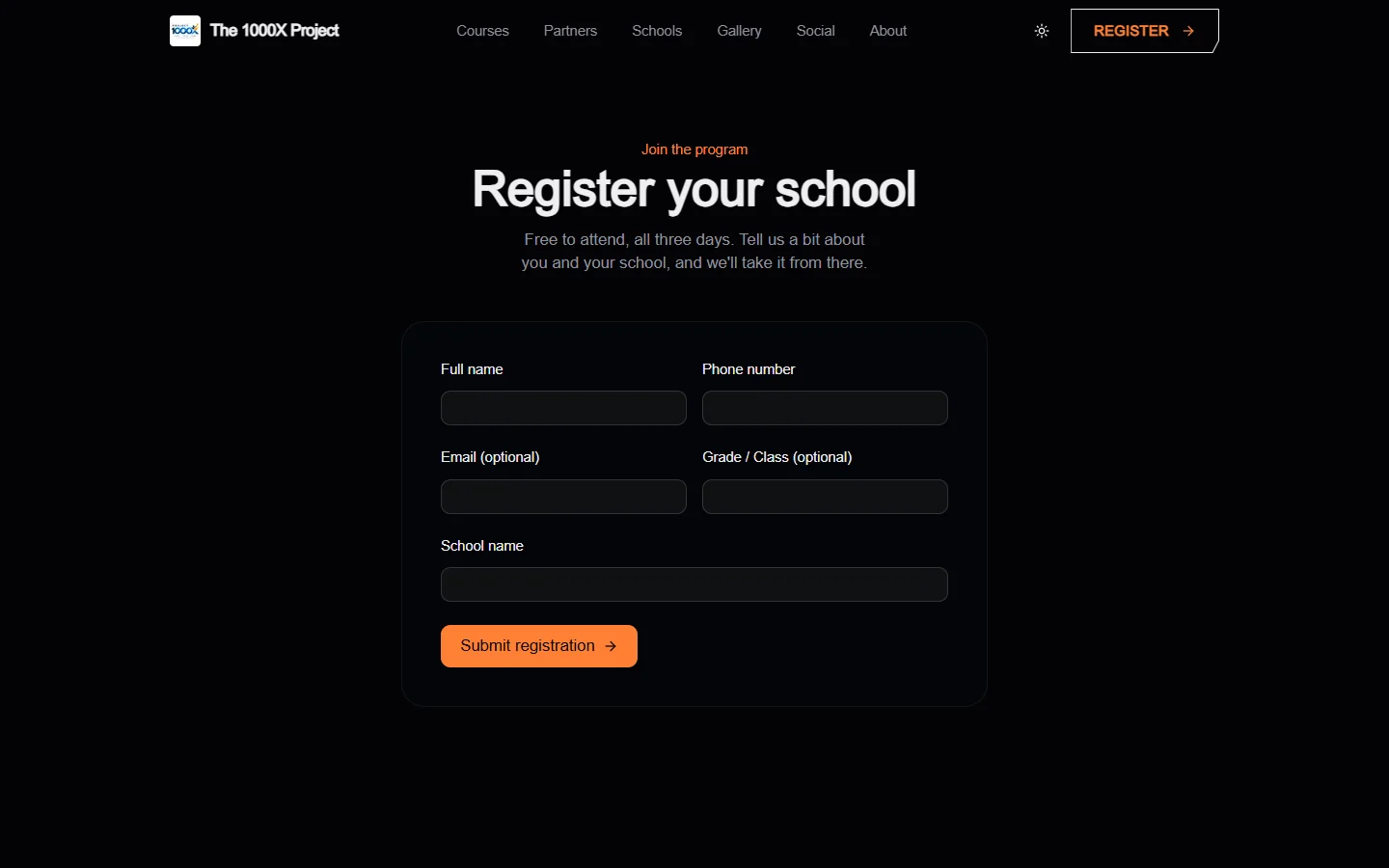
Students can come from four places: the public registration form, a shared registration link, manual entry by an admin, or a CSV upload.
The CSV importer is built for real school data, which is always messy. Each upload becomes an import batch that records total, successful and failed rows, with an error report for every row that did not make it in. The team can fix the source file and re-run the import without wondering what happened the first time.
Registrations track both attendance (pending, confirmed, attended, cancelled) and payment status (free, pending, paid, refunded, failed). The payment column is what lets the same system handle free seminars today and paid courses later.
Gallery
Albums can be linked to a school, a specific visit, or neither, for project meetings and events. Albums hold photos and videos, uploaded directly to R2 from the browser, and appear on the public gallery with a lightbox and a parallax grid.
Finance
Finance has income and expense categories with colours, and transactions linked to schools or courses with receipt uploads. Charts show where money comes from and where it goes. It is not accounting software. It answers the question organisers ask most: what did this visit cost, and what is our balance?
Settings, users and audit
Site settings drive the public content. User management creates team accounts, because there is deliberately no public sign-up for staff.
Access is role-based, with each role including everything below it:
- Editor: courses, curriculum, partners and gallery
- Finance: transactions, categories and payments
- Admin: schools, visits, students, registrations, CSV import and site content
- Super admin: user management
Every sensitive change writes to the audit log, so the answer to "who changed this?" is always one search away.
Uploads without a bottleneck
All media goes to Cloudflare R2 using presigned upload URLs. The browser asks the server for a short-lived signed URL, then uploads the file directly to R2. Large photos and videos never pass through the application server.
R2 was a deliberate choice for a program that produces a lot of media. Its S3-compatible API made the integration straightforward, and it does not charge egress fees for serving those files.
Social media, pulled in automatically
The project posts from every school visit on Facebook, Instagram and YouTube. Asking the team to upload the same content to the website again would never survive a busy week, so the platform pulls it in.
A scheduled job calls a protected sync endpoint every 15 minutes. It collects new posts from all three platforms, stores them, and powers both the social page and the "From our socials" section on the homepage. Admins can hide any post they do not want shown.
A few details made it reliable:
- Instagram media is cached to R2, because the image URLs Instagram returns expire. Without caching, the feed would slowly fill with broken images.
- YouTube live checks are rate-limited. Finding a live stream uses an expensive API call against a daily quota, so it runs about once an hour while the cheaper upload sync runs every 15 minutes.
- A LIVE NOW banner appears across the site when the project is streaming on Facebook or YouTube.
- Each platform is independent. If one API fails, the others still sync, and the admin settings show the last successful sync and last error for each platform.
Phase two: from seminar to academy
The free seminars were always the start. The next step was turning Web Development and Computer Hardware & CCTV into longer paid courses of about three months, with evening online sessions and hands-on practical days.
That needed a real learning management system. Instead of bolting on a third-party LMS, we built it into the same platform, on the same database, next to the operations data.
A student portal
Students now have their own accounts and their own area of the site. From it they can enroll in courses, pay, watch lessons, take exams, download certificates, read notifications and open support tickets.
Crucially, a student's portal account links to the same student record the admin team already manages. A student registered at a school seminar and a student who signs up online are the same kind of record, with one history.
Lessons with rules
Lessons can hold video, written content, resources and external links. Progress is tracked per lesson, including the last watched position, so students continue where they stopped.
Lessons can also carry rules:
- preview lessons that are open before enrolling
- sequential unlocking, where a lesson opens only after the previous one is done
- scheduled unlocking, where a lesson opens on a set date to match the live class schedule
- checkpoint quizzes, where a required quiz must be passed before the lesson counts as complete
Exams
Exams support single-choice, multiple-choice and true/false questions, a pass mark, a time limit, a maximum number of attempts, and optional explanations for correct and incorrect answers. Attempts are graded automatically.
Payments that fit how people actually pay
Card gateways are not always the default for this audience, so the first payment flow is built around bank transfers. The student uploads a photo of the payment slip. The finance team reviews it in the admin panel and approves or rejects it with a note.
Approval unlocks the course, records the payment and notifies the student. A rejection tells the student what to fix. The payment model itself is provider-agnostic, so an online gateway can be added later without changing how enrollments work.
Certificates anyone can verify
When a student completes every lesson in a course, the platform:
- marks the enrollment complete
- generates a PDF certificate with a unique certificate number and a QR code
- stores it in R2
- notifies the student that it is ready to download
The QR code points to a public verification page. An employer, a school or a parent can scan it and confirm the certificate is real and has not been revoked.
Graphic Design as a reward
This is where the bonus track comes back. In the LMS, Graphic Design is set to unlock automatically, for free, once a student completes any paid course. The platform grants access and tells the student what they have unlocked.
Live classes and support
Live sessions can be scheduled against a course or a specific lesson, with a join link, a recording link and attendance. Support tickets give students a proper channel for questions, instead of scattered messages to instructors.
The admin panel grew with it: new sections for LMS students, payment slip review, exams, certificates and live sessions sit next to the original operations tools.
Engineering notes
The platform uses very recent versions of its main libraries, and several of them had changed significantly. A few lessons are worth sharing.
Next.js 16 changed the fundamentals. Middleware is now proxy.ts. Route params and searchParams are Promises. Typed routes are stable, so a link to a route that does not exist fails the type check. We kept the classic dynamic rendering model instead of opting into Cache Components, because the admin side is almost entirely live data.
Prisma 7 needs a driver adapter. The client is created with an explicit PostgreSQL adapter instead of a bare constructor:
import { PrismaClient } from "@/lib/generated/prisma/client";
import { PrismaPg } from "@prisma/adapter-pg";

export const prisma = new PrismaClient({
  adapter: new PrismaPg({ connectionString: process.env.DATABASE_URL }),
});
TanStack Table v9 is a rewrite, not an upgrade. Features are registered explicitly per table, and state and rendering APIs changed. Every admin data table was written against the new API from the start.
The Server/Client boundary is strict, and the failures are quiet. Three real bugs came from it:
- A constant exported from a
"use client"file and imported into a Server Component arrived as a proxy instead of its value. The theme toggle silently stopped finding its element. The fix was to move shared constants into a plain module. - A wrapper that switched between a Fragment and the smooth-scroll provider after mount forced React to remount the whole page. That silently discarded the theme script and reset the theme on every load. The fix was to always mount the provider and let it handle reduced motion itself.
- A Server Component passed an inline arrow function to a Client Component delete button. React cannot serialise closures, so the page crashed. The fix was a small client wrapper around the Server Action, the pattern every other delete button already used.
None of these showed up in a type check. All of them showed up in a real browser. That is why every change was verified by running the app, not only by compiling it.
What the platform proves
The 1000X Project platform is a single system that covers:
- a creative public site whose content is fully managed from the admin panel
- school, visit, student and registration operations, including bulk CSV imports with error reports
- a gallery for photos and videos from every visit
- finance tracking linked to the schools and courses that generate costs and income
- automatic social media sync with live-stream detection
- a complete LMS with enrollments, gated lessons, exams, bank-slip payments, live classes, support and verifiable certificates
- role-based access and a full audit trail
Most importantly, it grew from a free seminar tool into an academy without being rebuilt. The paid-course fields planned on day one, the shared student record and the provider-agnostic payment model meant phase two extended the system instead of replacing it.
Building something similar?
The same approach works well beyond schools. Training institutes, NGOs running programs in the field, professional academies and associations all share the same core needs: people, sessions, content, money and proof of completion, in one place, under their own control.
If you are planning a platform like this, start with the operating model, not the landing page. The landing page is what people see first. The operating model is what keeps the program running.
The CrysoLabs editorial desk - shipping notes from the build floor.
Keep reading
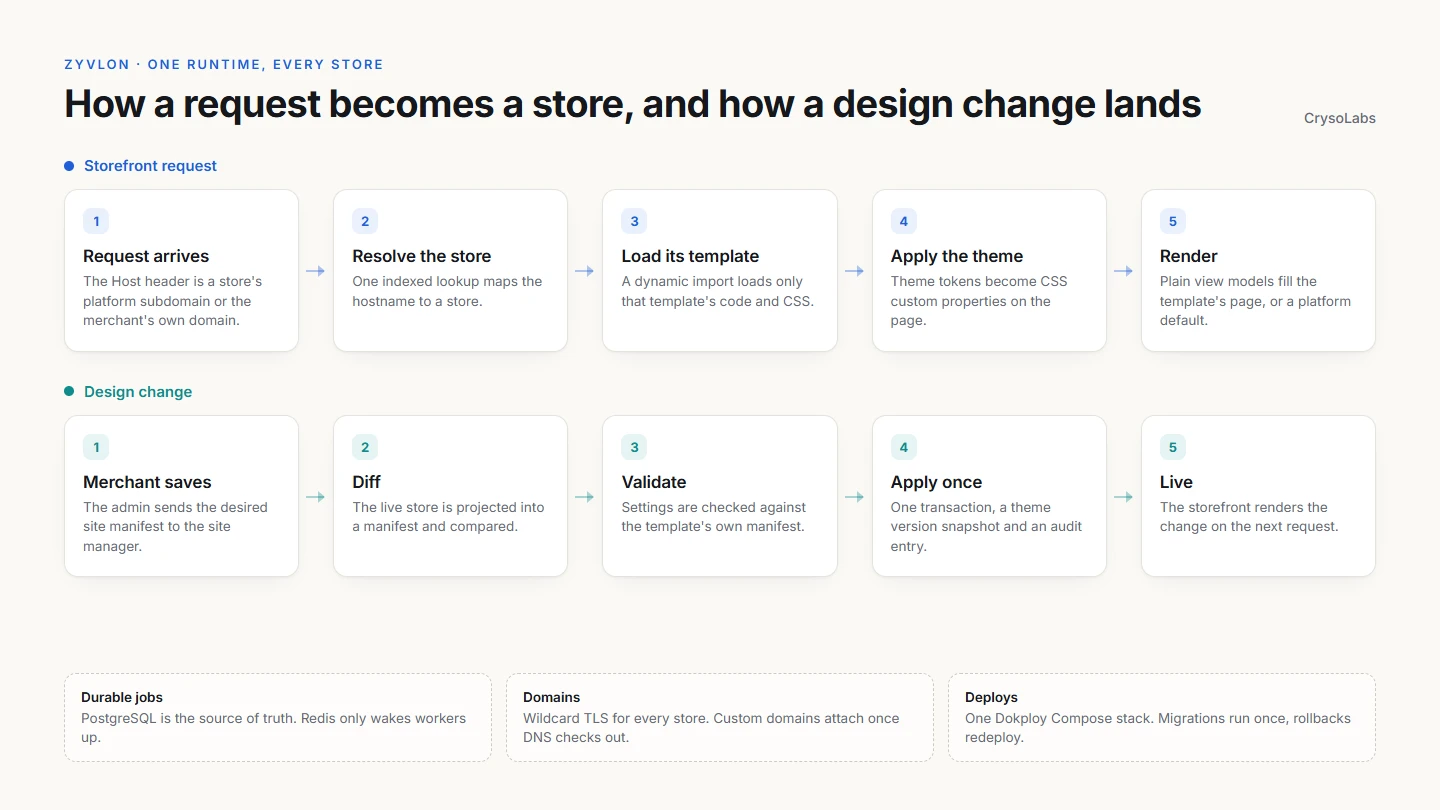
One runtime, every store: rebuilding Zyvlon as a multi-tenant commerce engine
Zyvlon's next generation serves every merchant from one storefront runtime. Stores are resolved by hostname, rendered by the template they chose, changed through declarative manifests, and deployed on Dokploy with wildcard domains, a durable job queue and a zero-reset migration from MongoDB.

Building Clodynix: A Developer-Friendly CDN Platform and SDK
A CrysoLabs engineering case study on Clodynix, a TypeScript CDN SDK paired with a Next.js dashboard, auth system, application tokens, documentation, and CDN file workflows.